Corporate cards
Physical and virtual cards for every employee, vendor, or subscription — each with its own limit, merchant controls, and expiration rules.
Divvy built its name on corporate cards with real-time budget enforcement. Today it powers BILL Spend & Expense — the same philosophy, more automation, deeper controls. This guide walks you through everything: cards, login, budgets, receipts, and the rebrand itself.
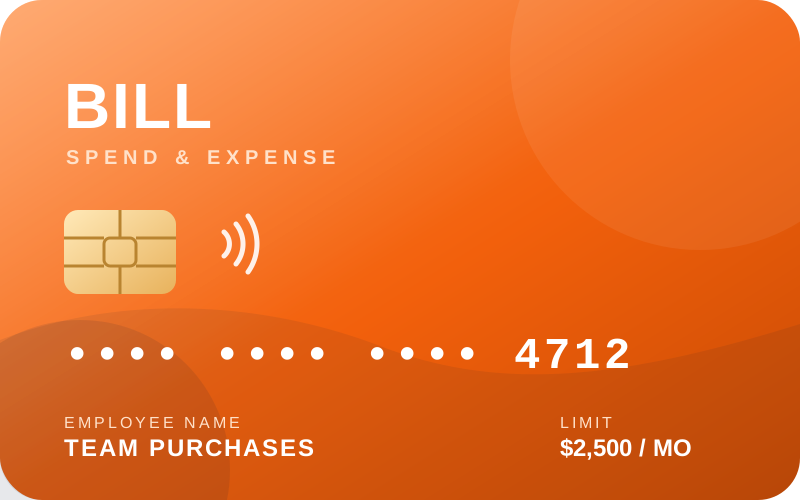
Divvy is a spend management platform that pairs corporate cards with automated budget enforcement. Finance teams issue cards with precise limits, employees spend within guardrails, and every transaction is coded and reconciled automatically. Since joining BILL, the platform is called BILL Spend & Expense — but the engine under the hood is the one Divvy customers already trust.
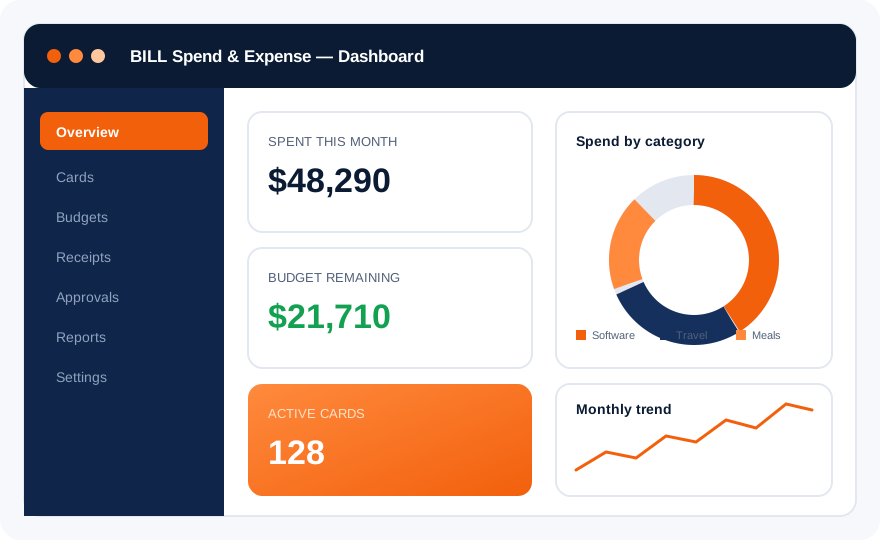
Traditional expense management starts after the money is gone: receipts pile up, reports get chased, and policy violations surface weeks later. Divvy flipped the model. Limits are set before a card is issued, so overspending is blocked at the point of sale.
Six building blocks cover the full lifecycle of business spend — from issuing a card to closing the books.
Physical and virtual cards for every employee, vendor, or subscription — each with its own limit, merchant controls, and expiration rules.
Allocate budgets by team, project, or category. Limits are enforced at the moment of purchase — not discovered at month end.
Employees snap a photo; the platform reads the receipt, matches it to the transaction, and codes it to the right ledger account.
Rules route exceptions to the right manager automatically. In-policy spend passes through without anyone touching it.
Live dashboards replace static reports. Drill into categories, teams, vendors, or time ranges and export exactly what your accountant needs.
Sync directly with QuickBooks, NetSuite, and the rest of your finance stack. No CSV exports, no double entry. See the integrations guide.
Sign up, connect your bank, and invite your team. Most companies are live within a single afternoon.
Define budget pools per department or project, then issue physical or virtual cards with precise limits.
Employees buy what they need; declines and alerts happen automatically when a limit would be exceeded.
Receipts are captured, transactions are coded, and everything syncs to your accounting system.
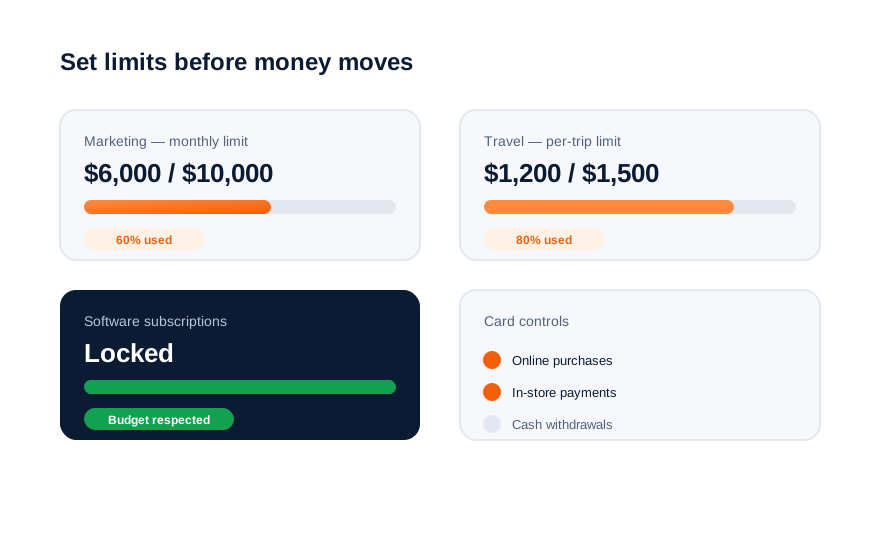
The numbers behind the platform Divvy created and BILL now operates.
Automatic receipt matching and coding remove the manual chase that consumes finance teams at month end.
Because limits are enforced at authorization, the invoice at the end of the month never exceeds the budget.
No personal cards, no reimbursement forms. People spend on a company card and simply photograph the receipt.
In 2021, BILL Holdings acquired Divvy. The card, the limits, and the automation you knew stayed — the name and the ecosystem around them grew. Today, BILL Spend & Expense connects card spend with accounts payable, invoicing, and payments in one financial backbone.
Read the full rebrand story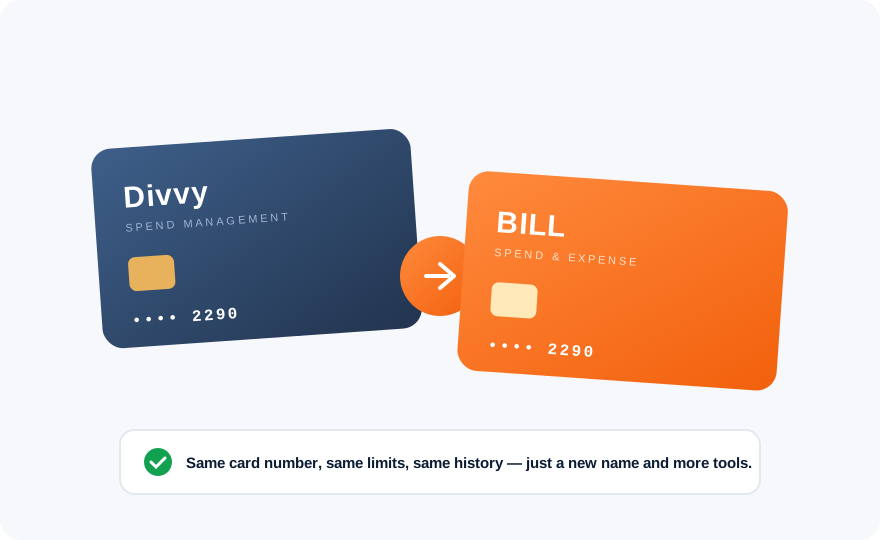
Continue with the login walkthrough, explore the corporate card, or see how the rebrand affects your account.