Reconcile weekly, not monthly
Short feedback loops catch mapping mistakes while they are still few and memorable.
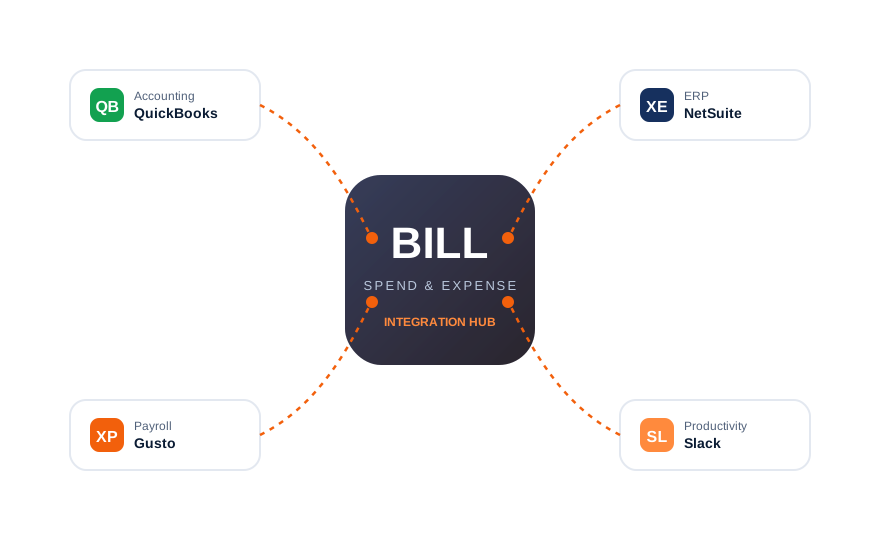
The platform Divvy built — now BILL Spend & Expense — plugs directly into your accounting stack. Coded, receipt-backed transactions flow into QuickBooks, NetSuite, and beyond without a spreadsheet in sight.
| System | Type | What syncs | Best for |
|---|---|---|---|
| QuickBooks Online | Accounting | Coded transactions, receipts, journal entries | Most small and mid-size businesses |
| QuickBooks Desktop | Accounting | Coded transactions via sync file | Desktop-first accounting teams |
| NetSuite | ERP | Transactions, classes, departments | Mid-market and enterprise finance |
| Payroll tools | Payroll | Reimbursement data | Paying employees back through payroll |
| CSV / export | Universal | Any range, receipts attached | Custom systems and audits |
Mapping matters. Before connecting, line up your chart of accounts. Clean mappings at setup prevent hundreds of recoding tasks later.
In settings, choose the accounting connection and select QuickBooks. You will be asked to authorize the connection securely — credentials are never stored here.
Match spend categories to ledger accounts. Set defaults for common merchants so most transactions code themselves.
Sync continuously as items are approved, or batch daily — most teams choose continuous for a live ledger.
Sync a small date range, verify entries and attachments in QuickBooks, then open the floodgates.
Short feedback loops catch mapping mistakes while they are still few and memorable.
Every manual correction should become a rule. Within two months, auto-coding should cover almost everything.
Authorize with a dedicated finance account, and review connected apps periodically — revoke anything unused.
Review the platform overview or learn how the Divvy → BILL rebrand affects your setup.