Receipt scanner
Point, shoot, done. OCR reads merchant and amount, matches the transaction, and files the receipt — while you are still at the register.
Receipts, approvals, alerts, and card lock — the daily work of spend management happens on the phone. This guide walks through setup and every key feature.
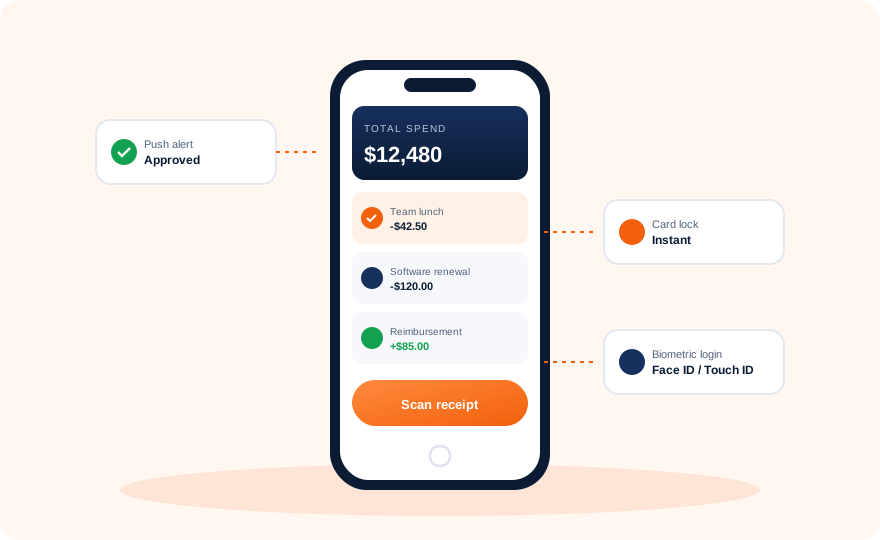
Download BILL Spend & Expense from the App Store or Google Play. It is the successor of the Divvy app — same team, same data.
Use the credentials from the web platform, complete your second factor, and your cards and budgets appear immediately.
Turn on Face ID / Touch ID / fingerprint unlock, then allow push notifications so declines and approvals reach you instantly.
Photograph any recent purchase receipt. Watch it attach to the matching transaction and receive its suggested category.
Point, shoot, done. OCR reads merchant and amount, matches the transaction, and files the receipt — while you are still at the register.
Every authorization, decline, and limit warning arrives as a push notification with the details attached.
Managers see the receipt, amount, and budget impact, then approve or reject without opening a laptop.
Card misplaced? Freeze it in one tap from the lock screen. Unfreeze just as fast when it turns up.
Employees see their remaining limit before buying — no more surprises at the point of sale.
Face ID, Touch ID, or fingerprint keeps the app fast to open and hard to misuse if the phone changes hands.
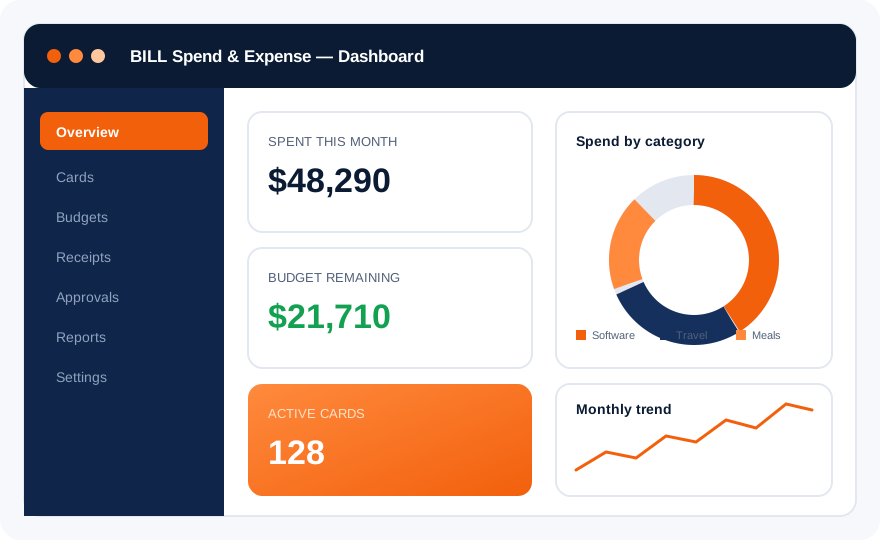
Lost phone? Revoke the device from the web security settings, reset your second factor, and the app on that phone loses access immediately. Full steps are in the login guide.
Transactions captured on the phone sync straight into your accounting system.