Physical cards
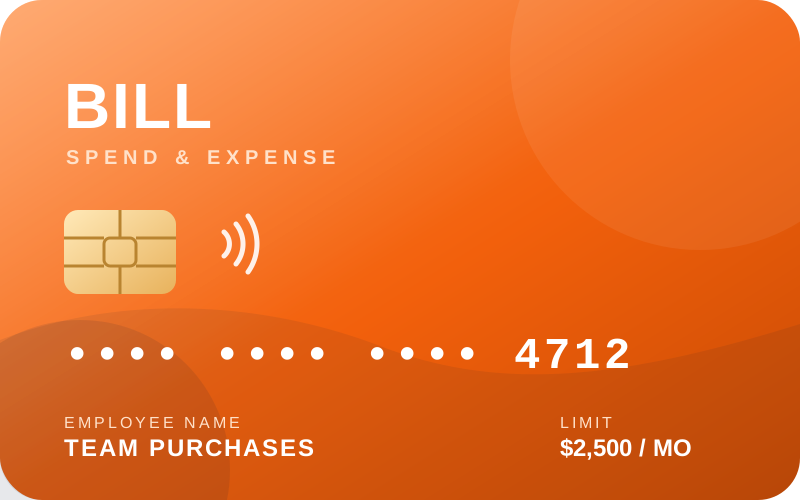
For employees who buy in the real world: travel, meals, supplies, site purchases. Each card is tied to one person, one budget, and a defined limit. Activation takes two minutes in the app — see the activation steps.
The card that made Divvy famous is now the BILL Spend & Expense card. Same idea, sharper tools: every card — physical or virtual — carries its own budget, merchant rules, and real-time enforcement.
 Real-time limit checks
Declines explained instantly
Real-time limit checks
Declines explained instantly
For employees who buy in the real world: travel, meals, supplies, site purchases. Each card is tied to one person, one budget, and a defined limit. Activation takes two minutes in the app — see the activation steps.
Created instantly for subscriptions, vendors, or one-time purchases. Give each vendor a dedicated card number with its own ceiling — if a number leaks, only that card is affected, and it can be deleted in one click.
| Use case | Recommended card type | Suggested control |
|---|---|---|
| Employee travel | Physical card | Monthly limit + travel-only budget pool |
| SaaS subscriptions | Virtual card per vendor | Recurring limit matching the contract value |
| Marketing campaigns | Virtual card per campaign | One-time limit, expires with the campaign |
| Office supplies | Shared physical card | Weekly limit with merchant-category rules |
| Contractor payments | Virtual card | Single-use limit set to the invoice amount |
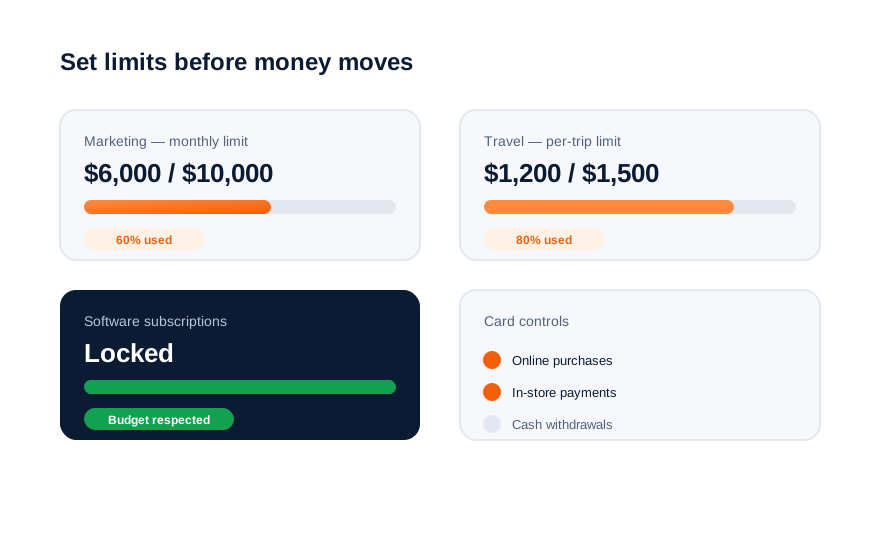
The defining Divvy idea: a card that declines itself when it should. Every authorization passes through the rules below in milliseconds.
Declines are informative. When a transaction is blocked, the app tells the employee exactly which rule fired — no mystery, no embarrassment at the register.
Never share physical cards. Personal assignment makes receipts, approvals, and accountability automatic.
Review usage every quarter. Limits that were right at launch drift out of alignment as teams and prices change.
Dedicated virtual cards per subscription turn reconciliation into pattern matching and contain breach damage.
See how transactions become coded, reconciled records — automatically.